

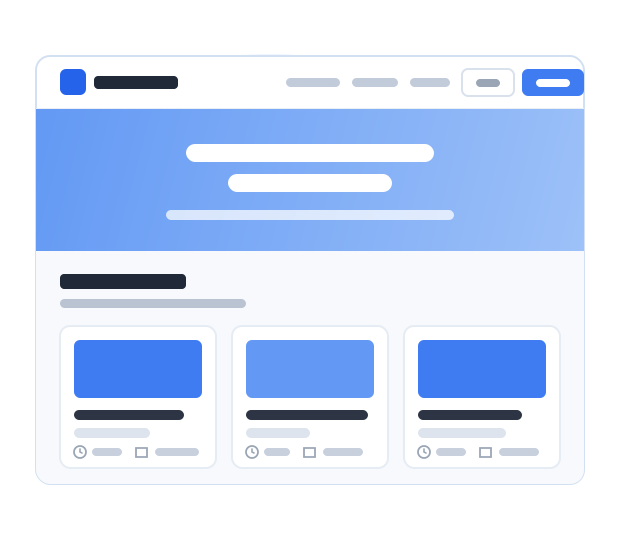
Your course link is ready
Launch at yourname.course.link. Hosting is included, with no domain to buy.
Build your course fast. Sell with zero commission and share it at yourname.course.link.
Create free course Free to start
Four steps from the videos you have to a published course.
Import a YouTube playlist, add video links, or upload your recordings.
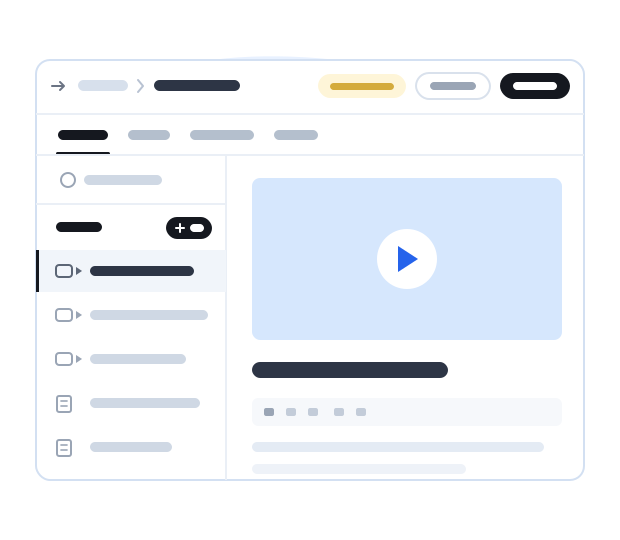
Show what students will learn and add your course details.
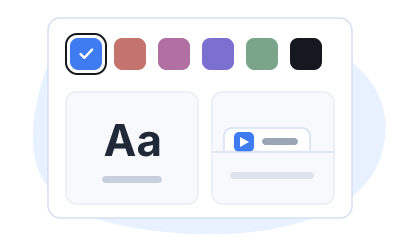
Choose your colors, fonts, and branding for your course website.
Share your course link so students can enroll and start learning.
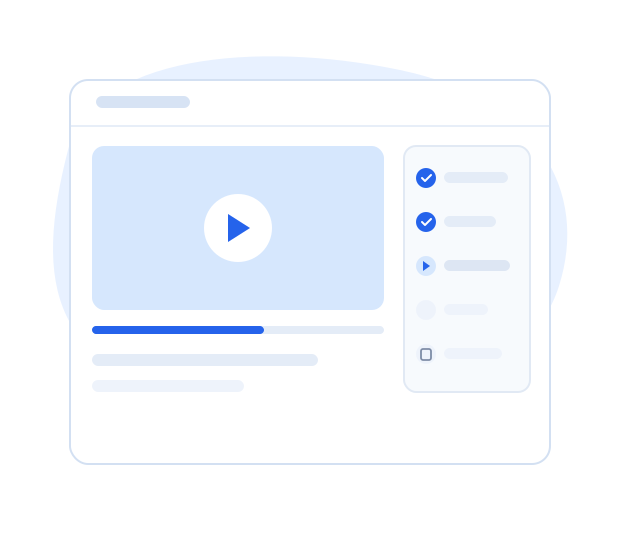
Your knowledge. Your courses. Courselink never takes a percentage of your sales.
Tools to launch your course, support your students, and grow your course business.
Launch at yourname.course.link. Hosting is included, with no domain to buy.
Import a YouTube playlist, add video links, or upload your recordings.
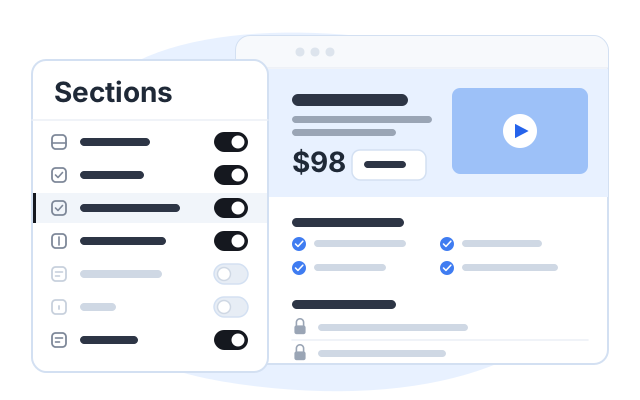
Show what students will learn with course details, testimonials, FAQs, and custom sections.
Give your whole course website a consistent look that feels like you.
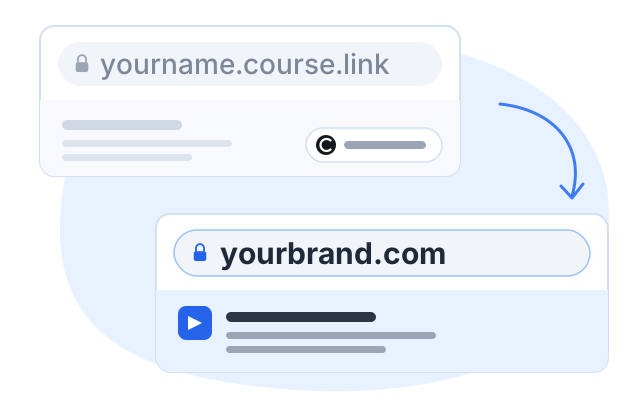
Prefer an address you already own? Connect it and remove Courselink branding.
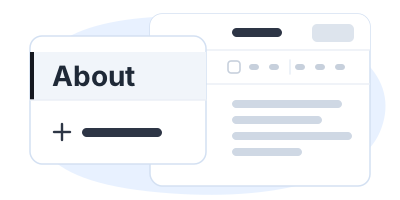
Add About, help, and policy pages so students can find what they need.
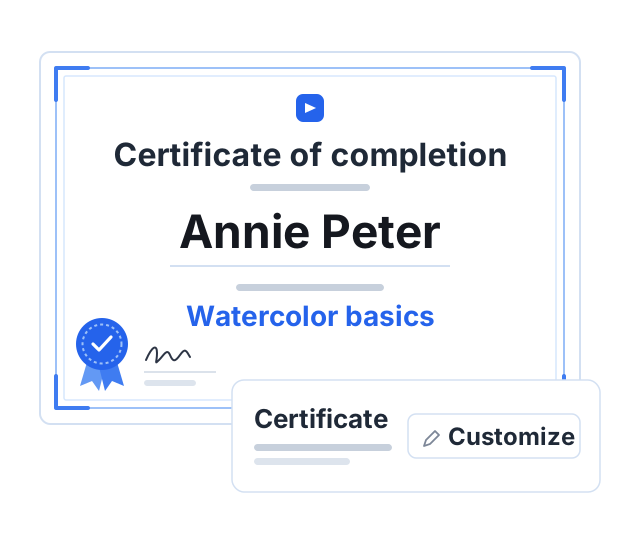
Give students a personalized certificate of completion they can download and share.
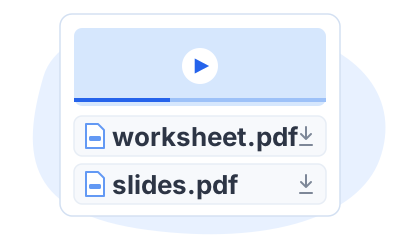
Keep PDFs, worksheets, and slides beside the lesson where students need them.
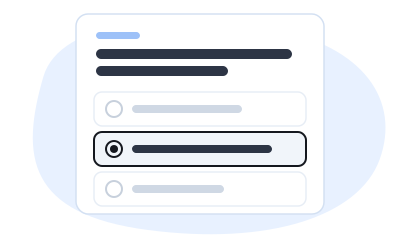
Help students check what they learned before moving on.
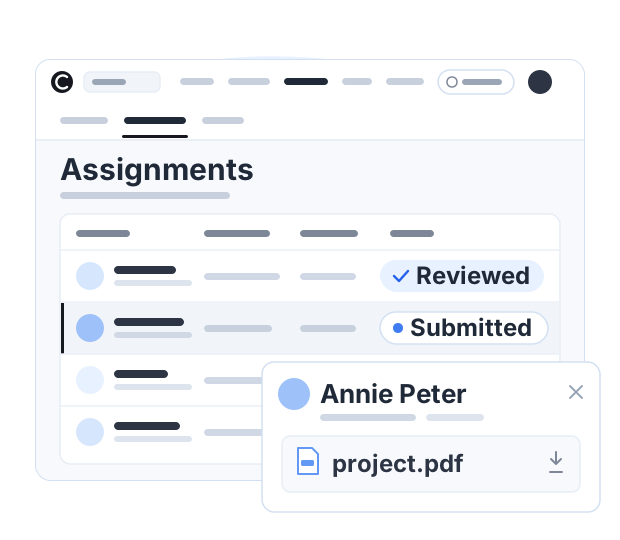
Give students a task to try, review their submissions, and help them improve.
Choose how students sign in to access their lessons.
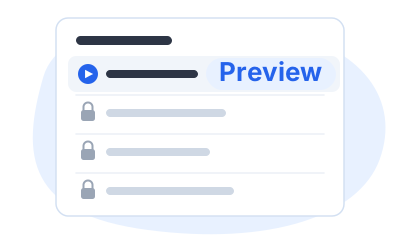
Let students explore selected lessons before deciding to enroll.
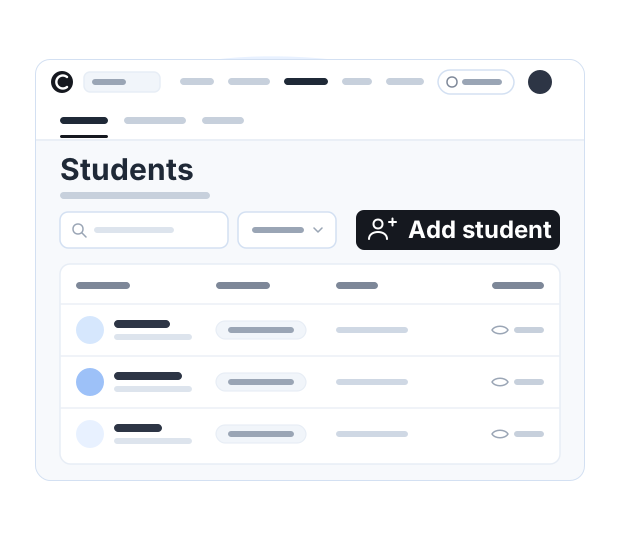
See who enrolled, add students, and manage access from one dashboard.
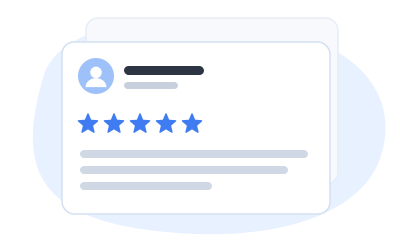
Collect student feedback and choose which reviews appear on your course page.
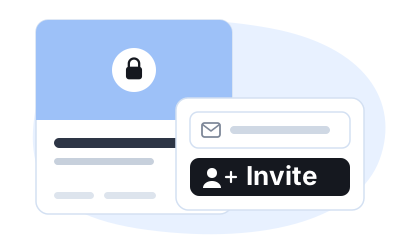
Keep courses private for clients or teams, and choose who can join.
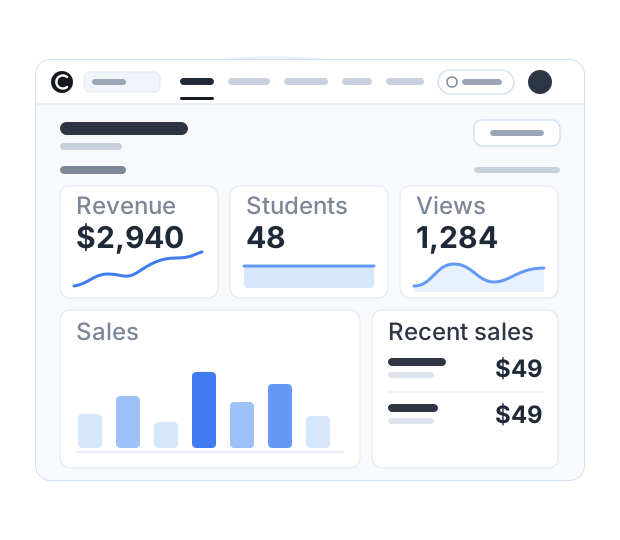
See course revenue and enrollments in one place to understand how your courses are doing.
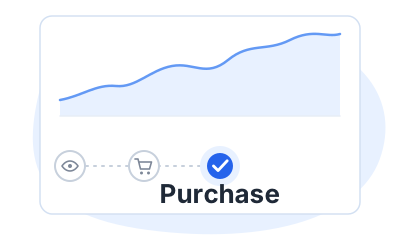
Understand where visitors come from and measure your campaigns.
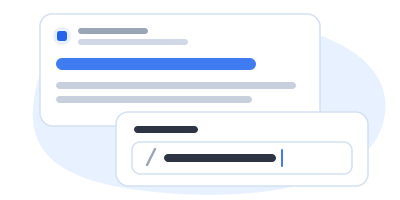
Choose the URL, title, and description people see when they find your course.
Send student emails from your address for a consistent brand experience.
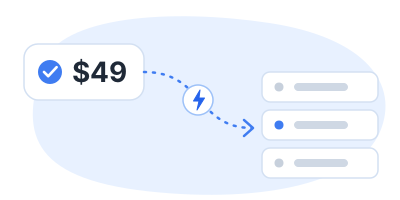
Use webhooks to connect your tools, or add your own CSS and JavaScript.
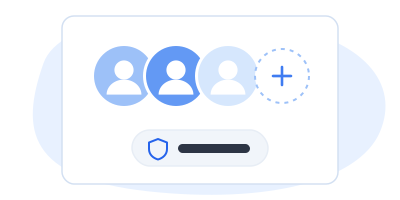
Share dashboard access so your team can help run your courses.
Explore what you can do with Courselink.
Keep a course out of public view and add students yourself, one by one.
Read moreMove from yourname.course.link to a domain you own, with our branding removed.
Read moreCheck understanding between lessons, collect work, and issue a certificate at the end.
Read moreSee course revenue and enrollments, and understand where your visitors come from.
Read moreWhy creators love Courselink

“I am so happy to share that through Courselink I quickly turned the videos I had already made into a real course website.”
₹40,00,000
earned so far
3,500+
students enrolled
One creator's results. Your results will depend on your course and your audience.
Start with the videos you already have. It is free to build, and Courselink never takes a cut of your sales.
Create free course