
Feature
Your course site on your own domain
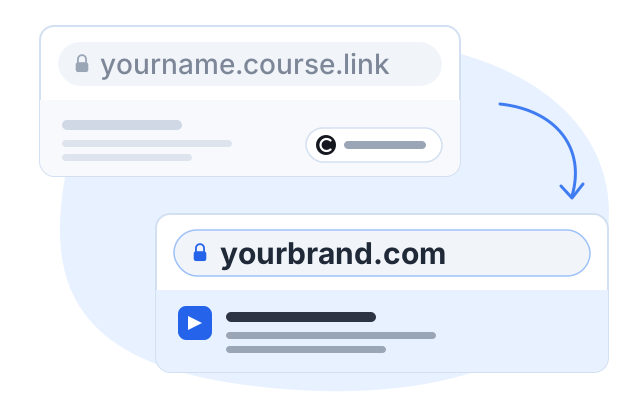
Every Courselink site is live at yourname.course.link from the moment you create it. When you are ready, connect a domain you already own and have Courselink’s branding taken off the site.
No credit card required

Available on a paid plan. See plans →
What changes on your own domain
The yourname.course.link address is not a trial address. It is a real hosted course site that you can sell from. Your own domain changes whose name is on it.
| Your site | On yourname.course.link | On your own domain |
|---|---|---|
| A yourname.course.link address | Yes | Yes |
| A domain you own | — | Yes |
| Courselink branding | Shown | Removed |
| Custom pages, such as about or terms | — | Yes |
| Student emails from your own address | — | Yes |
What “remove Courselink branding” covers
A plan that says it removes branding can still leave the platform’s name where students see it, so it is worth being specific. With it removed, Courselink’s name comes off the site footer, the login page and the checkout, and student emails go out from your own sender address rather than ours.
You do not have to take that on trust. Build your course first: a new site keeps our branding, so you can look at the footer and the login screen and see exactly what comes off before you pay for it.
One thing branding removal does not change: you still sign in to manage the course at dashboard.course.link. The domain is for the site your students use, not for the dashboard you work in.
Most people use a subdomain of the site they already have
A custom domain does not have to be a new domain. The usual choice is a subdomain of the brand you already run, such as learn.yourbrand.com or courses.yourbrand.com, and there are three good reasons for it.
Nothing new to buy
You already own the domain, so there is no second registration and no second renewal to remember.
Your main site stays put
The course site sits beside whatever you already run at yourbrand.com instead of replacing it.
The brand carries over
Buyers recognize the name in the address bar, which matters most when you are selling to people who already know you.
You bring the domain; Courselink does not sell or register them. What a connected domain costs you is on the pricing page.
Who needs this, and who does not
Worth paying for
- You already have a brand and a site, and the course should look like part of it.
- You sell to companies or schools, where the buyer looks closely at who they are paying.
- You run ads to the course page and want the address to match the rest of your marketing.
- You want sign-up and purchase emails to come from your own address.
Not yet
- You are still testing whether anyone wants the course.
- Your students arrive from a link in a video description or a bio and never type the address at all.
- You have not made a sale yet. A course sells perfectly well from yourname.course.link.
Either way, the address is not a decision you have to make first. Publish on yourname.course.link, and move to your own domain when the brand is worth the upgrade.
More on this for your kind of course: For coaches. Every plan and limit is on the pricing page.
Domain and branding questions
No. Courselink does not sell or register domains. You bring a domain you already own, from whichever registrar you bought it at, and connect it to your course site.
Yes, and most people do. A subdomain such as learn.yourbrand.com or courses.yourbrand.com puts the course beside the site you already run, with nothing new to register.
Yes. A custom domain is about how the site is branded, not about whether you can charge for a course. Courses sell from yourname.course.link too.
No. You still sign in to manage your courses at dashboard.course.link. The domain is for the site your students use.
More questions? Visit our Help Center
Your course could be live today
Start with the videos you already have. It is free to build, and Courselink never takes a cut of your sales.
Create free course- Free to build
- No credit card
- 0% commission