
For Instagram creators
Sell what your Reels only hint at
You have taught the same thing fifty times, fifteen seconds at a time. Put it in one order, behind one price, at one link you can keep in your bio. Zero commission, forever.
Create free courseNo credit card required

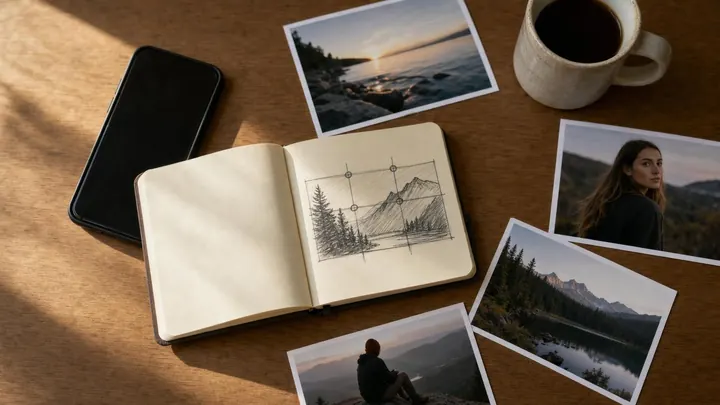
Fifty clips are not a course yet
The teaching is already there. What is missing is everything around it: the clips are short, they are in no order, they are scattered across a feed and a camera roll, and they sit on a platform you do not own. A course fixes all four at once.
Room to finish the thought
A lesson can run as long as the explanation needs, so the setup and the second attempt stay in.
An order, and chapters
Lessons run in the order you would teach them rather than the order you happened to post them in.
Something to download
Presets, templates and project files attach to the lesson that uses them, instead of going out one reply at a time.
A page you keep
Your course sits at yourname.course.link, an address you can put anywhere. Point a domain you own at it when you want to.
From a saved folder to one thing worth buying
Start from the clips that people keep sending to each other. They tell you what you are known for, which is the only reliable brief you will get.
-
Find the one subject the clips circle
Save the posts people ask about. Nine times out of ten they are the same question wearing different hooks.
-
Name what someone can do at the end
“Shoot and cut a product Reel on your phone” is a course. “Content tips” is a feed.
-
Re-record the parts that were too short
Keep the clips that stand alone, re-shoot the rest at full length, and group both into chapters.
-
Attach the files people were asking for
The presets, the template, the shot list. Each one sits under the lesson that teaches it.
-
Price it and put the link in your bio
Set a price with an optional sale price, open one lesson as a free preview, and link it from your bio or a link in a story.
Five courses a short-form creator can sell
Your preset or template pack, taught
Sell the files, then teach them. A lesson per preset: what it is for, what you change before you use it, and the shot it falls apart on.
Recreate my ten best Reels
Ten lessons, one clip each, taken apart properly: the shot list, the cut, the sound choice and the caption. Attach the project files to the lesson.
One niche skill, taught in a weekend
The single thing people tag their friends under. Two hours of lessons with an exercise after each, ending somewhere specific.
How you shoot and edit on a phone
Your settings, your lighting, your app, and why. The gear question in your replies is a course people will pay for.
The system behind a month of posts
How you plan, batch and write a month in a sitting, with the planning sheet you actually use attached as a download.
Your footage is already scattered. That is fine.
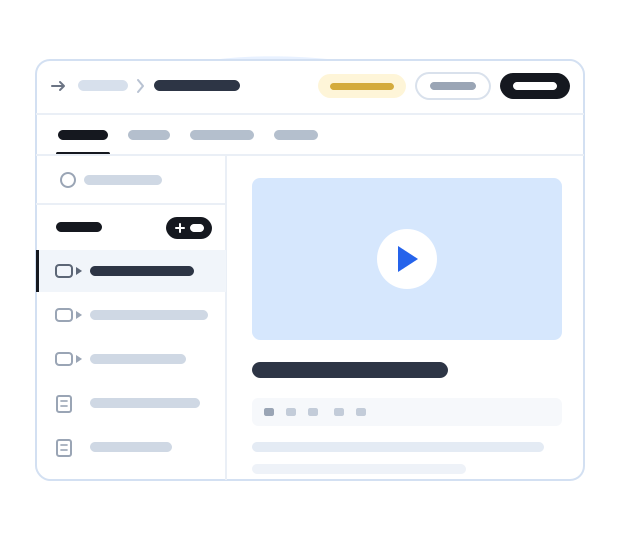
Some of it is on your phone, some in a shared drive, some already posted somewhere. A lesson takes an uploaded file or a link, so you can build the course without first collecting everything in one place.
Paste a link
A YouTube, Vimeo or Google Drive link becomes the lesson video, and does not use your upload allowance.
Upload the file
Upload straight from your camera roll, within your video allowance, and attach the files that go with it.
Selling from a link, not from a listing
On a marketplace you compete with everything else in the category, the platform owns the buyer, and it decides what your course is worth this week. From your own link there is no category and no competing row: there is the person who already follows you, and your page.
That page is a course landing page you control, with sections you can switch on or off — an overview, what students will learn, the course content, testimonials, an FAQ and reviews. Buyers check out right there, the sale is yours, and you can hand out coupon codes for a launch.
Why would anyone pay when you post for free?
Because the clips are the proof, not the product. Someone who has watched thirty of your Reels has thirty fragments and no path through them, and they know it — that is why they keep asking you which one to start with.
What they buy is the order, the full-length version of the part you had to cut, the files, and an end they can reach. Keep posting the clips. They are what brings people to the link.
Why creators love Courselink

“I am so happy to share that through Courselink I quickly turned the videos I had already made into a real course website. Every payment comes straight to my own account.”
₹40,00,000
earned so far
3,500+
students enrolled
One creator's results. What you earn depends on your audience, your course, and your price.
Questions from short-form creators
Not as they are. A lesson has room for the parts a short clip cuts: the setup, the mistake, the second attempt. Most creators keep a handful of clips as they are, re-record the rest at the length the explanation needs, and group them into chapters.
A lesson can hold an uploaded video file, or a YouTube, Vimeo or Google Drive link. Uploaded video counts against your video allowance; linked video does not. Each lesson can carry attached files, so presets, templates and project files sit under the lesson they belong to.
They tap one link. Your course site lives at yourname.course.link, ready to put in your bio or in a link in a story. You can also point a domain you own at it and remove Courselink branding.
No. Zero commission forever: buyers pay into your own account, and Courselink never takes a percentage of the sale.
Yes. Your dashboard shows sales analytics and a sales table you can export as CSV, and Google Analytics and Meta Pixel in Settings › Integrations, so the traffic you send to the course page is measurable in the tools you already use.
More questions? Visit our Help Center
Put your course behind the link in your bio
Assemble it from the clips and files you already have, and start selling when it is ready. Courselink takes 0% of every sale.
Create free course- Free to build
- No credit card
- 0% commission