
Feature
Invite-only courses for clients and teams
Some courses are not meant for an audience. An invite-only course stays off your public catalog, and only the students you add yourself can open it.
No credit card required
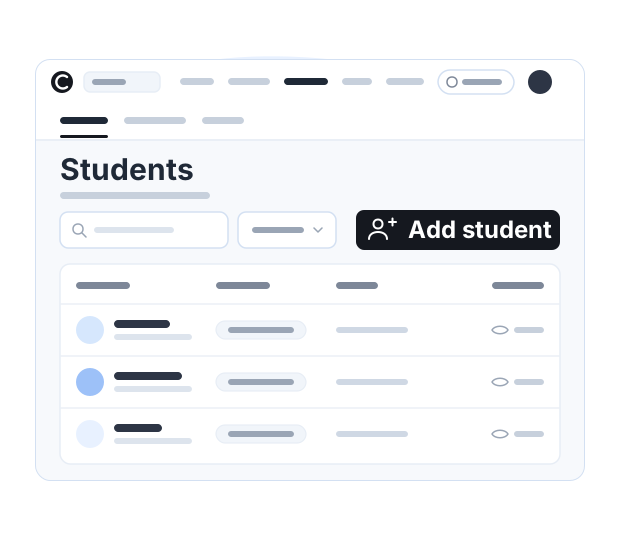
Available on a paid plan. See plans →
What invite-only changes
Three things can keep people out of a course, and they are not the same thing. A price asks for money. An unlisted link asks only for the link. Invite-only asks to be on your list.
| Kind of course | Who can open it |
|---|---|
| An open course | Anyone who reaches your course site and enrolls. |
| A paid course | Anyone who pays for it. |
| An invite-only course | Only the students you add. |
A price is a gate that strangers are meant to walk through, which is exactly what you want when you are selling to an audience. Client work is the other case: the list of people who should have access is a list you already keep, and the course should match it rather than sell itself to whoever turns up.
How a client gets in
-
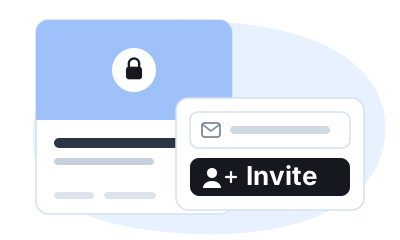
You add the student
One at a time, from your dashboard. Nobody enrolls themselves, so the list stays yours.
-
They sign in to your site
Students log in by email or by phone, whichever you have switched on. There is nothing for them to install.
-
They work through the course
Lesson by lesson beside the course outline, in the browser, on any device.
From there it is an ordinary course. Lessons carry video, attached PDFs, worksheets and slides, quizzes and assignments, and a certificate of completion at the end. You can read the assignments they hand in, and each client sees their own progress through the course.
What it suits
One-to-one coaching clients
Record the parts you repeat in every session and give each client somewhere to work through them, so the live hour goes on what only you can do.
A cohort you run in groups
Add the whole group when the program starts. They move through the same lessons and worksheets between your sessions, and you can see who is keeping up.
Team and staff training
Onboarding or process material that only the people you add can open, with a certificate at the end for anyone who has to show they finished it.
Work you already sold elsewhere
If the deal was done on a call or by invoice, you do not need a checkout for it. Add the client from your dashboard and the material is waiting for them.
What a private course is not
Courselink holds the material, not the live calls: run those wherever you run them now. There is no community space either — no forum or group chat attached to the course — so discussion stays in the channel you and your clients already use.
Courselink is also not a marketplace. Nobody browses a catalog and stumbles into your course, which for an invite-only one is rather the point: the students are the ones you put there.
And a private course is not the same as a private site. If you want the whole thing on a domain you own, with Courselink branding removed, that is a custom domain.
More on this for your kind of course: For coaches. Every plan and limit is on the pricing page.
Private course questions
No. It stays off your public catalog, and only the students you add yourself can open it. Your open and paid courses carry on as usual beside it.
As many as your plan’s student limit allows, and the pricing page lists each limit. A student is anyone enrolled in at least one course on your site, counted once however many courses they take.
Yes. Quizzes, assignments and a certificate of completion work the same way whether the course is open or invite-only.
Yes, with team members, who share access to your dashboard and help run your courses. Team access is part of a paid plan; the pricing page shows which.
More questions? Visit our Help Center
Your course could be live today
Start with the videos you already have. It is free to build, and Courselink never takes a cut of your sales.
Create free course- Free to build
- No credit card
- 0% commission