
For YouTubers
Your playlist is already a course
Put the videos you have already made in order, behind one price, on a site of your own. Zero commission, forever.
Create free courseNo credit card required
What a playlist is missing
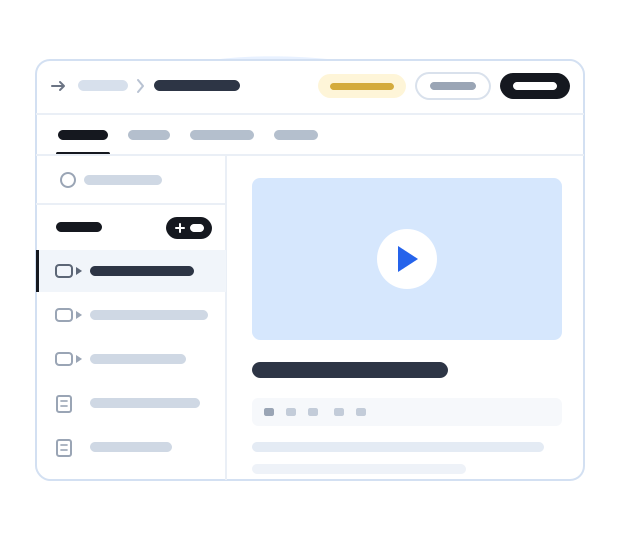
Nothing about the footage. A playlist has no order anyone has to follow, nothing to hand in, no way to tell who finished, and no way to charge. That is the whole difference, and it is all on this side.
An order, and a finish line
Lessons run in the order you teach them, grouped into chapters, with a certificate at the end.
Work, not just watching
Attach worksheets and project files to the lesson they belong to, and add quizzes between lessons.
A price, and your own checkout
Set one price for the whole course, and students buy it on your own course page. Courselink takes 0%.
No algorithm in the middle
Your course sits at yourname.course.link, ready to link from a description, a pinned comment or a newsletter.
An example: one playlist, one paid course
Say you have thirty tutorials on your channel. What turns them into something worth paying for is an outcome and an order. This example is illustrative.
-
Pick one outcome
“Edit a wedding film end to end” is a course. “Premiere Pro tips” is a playlist.
-
Keep the videos that serve it
Twelve of the thirty, in the order someone learning would watch them, grouped into chapters.
-
Add the thing the videos never had
A worksheet or project file on the lesson it belongs to, and a quiz where people usually get stuck.
-
Open one lesson, price the rest
A free preview lesson lets people see how you teach before they buy.
-
Link it where your audience already is
A video description, a pinned comment, a community post, the end screen of the free version.
Five courses a channel can sell
The workflow behind your most-watched video
The one people keep asking you to explain again. Record it once, properly, with the project files attached.
The beginner path through your own channel
The twelve videos a new subscriber should watch in order, with the exercises you never put in a description.
Your setup, settings and presets
What you use and why, with the files to download. Gear questions fill your comments for a reason.
The answers to your comment section
Group the questions you keep answering into lessons, so the answer exists once instead of fifty times.
How you grew the channel
Only if you have actually done it. Your own numbers, your own mistakes, and the templates you still use.
Keep the videos on YouTube
Paste a link or a whole playlist and each video becomes a lesson, carrying its title and description. The watch time stays on your channel, and YouTube lessons do not use your upload allowance.
Embed YouTube
Works with public and unlisted links. Anyone holding an unlisted link can still watch and share it.
Upload directly
Upload the files to Courselink instead, within your video allowance.
Why would subscribers pay for videos they can already watch?
Because what they buy is not the footage. A course puts the videos in the order you would teach them in, cuts what does not serve the outcome, and adds the worksheets and exercises a channel cannot carry. Progress is tracked, and a certificate marks the end.
Putting public videos behind a price does not make them exclusive, and it is not what people are paying for. The structure is.
Why creators love Courselink

“I am so happy to share that through Courselink I quickly turned the videos I had already made into a real course website. Every payment comes straight to my own account.”
₹40,00,000
earned so far
3,500+
students enrolled
One creator's results. What you earn depends on your audience, your course, and your price.
Turn your playlist into a course
Build it, see how it looks, and start selling when you are ready. Courselink takes 0% of every sale.
Create free course- Free to build
- No credit card
- 0% commission