
Feature
Payments that go straight to you
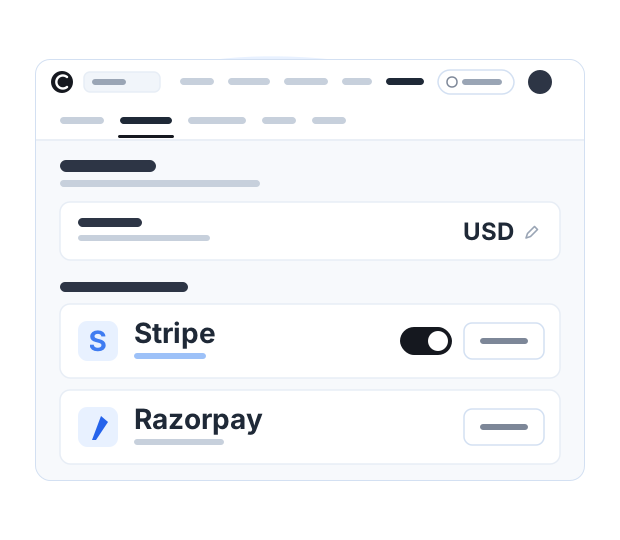
Students pay you directly, into your own payment account and in the currency you set for your site. Courselink takes 0% of every sale.
No credit card required
Available on a paid plan. See plans →
How the money moves
Most course platforms collect the payment and pay you later, minus their share. Courselink does not sit in the middle of the transaction at all.
-
Your own payment account
Stripe, Razorpay, or Sepay for VND. It is your account, under your business details.
-
A student buys your course
They pay on your course page and get access straight away. The charge goes to your provider, not to us.
-
The money lands in your account
On your provider’s own payout schedule. There is nothing to claim from Courselink, because we never held it.
What you can charge for
A one-time price
Set the price for a course, with an optional sale price beside it for a launch or a promotion.
Coupon codes
Discount a course for a cohort, a partner or a newsletter without changing what everyone else sees.
Free preview lessons
Open a lesson or two so people can see how you teach before they decide.
Free courses alongside paid ones
A free mini course can sit on the same site as the paid one, so people can learn from you before they buy.
More on this for your kind of course: For YouTubers. Every plan and limit is on the pricing page.
Payment questions
No. Zero commission forever: Courselink never takes a percentage of what you sell.
Students pay into your own payment account, so the money is yours from the moment it is paid. It reaches your bank on that account’s own payout schedule. Courselink never holds your sales.
Yes, through Razorpay, which takes UPI alongside debit and credit cards, netbanking and wallets for payments in India. Students are charged in rupees.
Yes. Each paid course takes a one-time price and an optional sale price, and you can issue coupon codes without changing the list price.
More questions? Visit our Help Center
Your course could be live today
Start with the videos you already have. It is free to build, and Courselink never takes a cut of your sales.
Create free course- Free to build
- No credit card
- 0% commission